


AI Tools for Affiliate Marketing (2026): 7 Picks and a Simple Workflow
February 8, 2025 | by Abdisalat Mohamed

Disclosure: some links in this guide to AI tools for affiliate marketing are affiliate links. If you sign up through them I may earn a commission at no extra cost to you.
Last updated: October 2026. Prices checked on each tool’s pricing page.
Quick answer: The AI tools worth using for affiliate marketing in 2026 are ChatGPT for ideas and outlines, Ubersuggest for keyword research, Koala AI or SEOWriting.ai for first drafts, Canva for graphics and Pinterest pins, InVideo AI for faceless videos, and ManyChat for automated DMs. Most have a free plan or free trial, so a beginner can start for $0 and pay only for the one tool that saves the most time.
This guide is for beginners who want AI to speed up the work without publishing the generic, copy-paste content that search engines and readers ignore.
AI tools for affiliate marketing at a glance
| Tool | Best for | Free option | Paid from (as of Oct 2026) |
|---|---|---|---|
| ChatGPT | Ideas, outlines, emails | Free plan | Plus $20/mo |
| Ubersuggest | Keyword research | See site | Individual lifetime $290 one-time |
| Koala AI | Long affiliate articles | Free start, no card | Starter $25/mo |
| SEOWriting.ai | Bulk drafts posted to WordPress | 3 free articles, no card | Starter $14/mo billed yearly |
| Canva | Pins, thumbnails, graphics | Free plan | Pro $144/yr |
| InVideo AI | Faceless videos | See site | Starter $20/mo (annual plans discounted) |
| ManyChat | Instagram and Facebook DM automation | Free plan | Essential $14/mo billed yearly |
Prices change often. ChatGPT’s price comes from a September 2026 report because OpenAI’s pricing page requires a login; the others come from each tool’s own pricing page.
A simple AI workflow for affiliate content
Tools only help if you use them in the right order. Here’s a workflow that keeps AI doing the slow parts while you do the parts that build trust:
- Research: find a question real buyers ask (Ubersuggest, plus Reddit and Google’s “People also ask”).
- Outline: turn the question into headings and a clear answer (ChatGPT).
- Draft: generate a first draft from your outline (Koala AI or SEOWriting.ai).
- Edit and fact-check: check every price and feature on the official site, cut filler, and add your own experience. This step is yours, not the AI’s.
- Visuals: make pins and graphics that point back to the post (Canva).
- Video: turn the post into a short or long video (InVideo AI).
- Automate: send your link automatically when someone comments a keyword (ManyChat).
The rest of this guide covers each tool in that order.
1. ChatGPT: best for ideas and outlines
ChatGPT is the fastest way to turn a buyer question into an outline, brainstorm angles, or draft email and social captions. It’s weaker at current facts like prices, so treat anything time-sensitive as a draft to verify.
- Use it for: outlines, headline options, FAQ ideas, email drafts.
- Watch out for: outdated prices and invented details.
- Price: free plan; Plus is $20/month.
2. Ubersuggest: best for keyword research
Ubersuggest shows search volume, keyword difficulty and the pages that already rank, and now adds AI suggestions to keyword research. For affiliate sites, look for “X vs Y”, “best X for Y” and “is X worth it” searches, which come from people close to buying.
- Use it for: finding low-competition buyer keywords and checking what ranks.
- Price: the Individual plan is offered as a $290 one-time lifetime purchase as of October 2026 (1 project, 150 searches a day).
3. Koala AI: best for long affiliate articles
Koala AI writes long, structured articles and lists live Amazon data for affiliate articles among its features, along with publishing to WordPress and Shopify. It’s built for the “best X” and review formats affiliate sites rely on.
- Use it for: first drafts of roundups and reviews.
- Watch out for: generic intros and claims you haven’t checked. Always edit.
- Price: start free with no credit card; Starter is $25/month (annual billing saves 20%).
4. SEOWriting.ai: best for bulk drafts posted to WordPress
SEOWriting.ai generates SEO-focused articles with internal and external linking and can publish straight to WordPress. It suits site owners who want to draft several posts at once and then edit them.
- Use it for: batches of supporting articles that link to your main money pages.
- Price: 3 free articles with no credit card; Starter is $14/month billed yearly ($168/year) for up to 50 articles.
5. Canva: best for pins, thumbnails and graphics
Canva’s templates and AI design tools make it quick to create Pinterest pins, YouTube thumbnails and comparison graphics. Pinterest is one of the few free traffic sources that sends people to blog posts, so this matters more than it looks.
- Use it for: 2 to 3 pins per post, plus a featured image.
- Price: free plan; Pro is US$144/year for one person.
6. InVideo AI: best for faceless videos
InVideo AI turns a script or prompt into a video with voiceover, stock footage and captions, which makes it practical for faceless YouTube and short-form channels. Turning each blog post into a video gives the same research a second way to reach people.
- Use it for: turning a finished post into a 5 to 8 minute video or a set of shorts.
- Price: Starter is $20/month on monthly billing; annual plans were 50% off when checked in October 2026.
7. ManyChat: best for automated DMs
ManyChat sends an automatic message when someone comments a keyword on Instagram or Facebook, so you can deliver a link or guide without replying by hand. AI-powered conversations are included from the Pro plan.
- Use it for: “Comment GUIDE and I’ll send you the link” posts.
- Price: free plan for up to 25 active contacts a month and 4 automations; Essential is $14/month billed yearly; Pro with ManyChat AI is $29/month billed yearly.
Which AI tools should a beginner start with?
You don’t need all seven. Start with this $0 stack and upgrade only when a tool saves you real time:
- ChatGPT (free) for outlines and ideas.
- Canva (free) for pins and images.
- ManyChat (free) if you post on Instagram.
- Koala AI or SEOWriting.ai (free start) to test AI drafting before paying.
For the non-AI side of the setup, including hosting, a store platform and an affiliate network, see our simple affiliate marketing tool stack for beginners.
The rule that makes AI content work
Search engines and readers both ignore content that reads like every other AI article. Before you publish, make sure each post has:
- A clear answer near the top, not three paragraphs of warm-up.
- Checked facts, with prices dated (“as of October 2026”).
- Something only you can add: a screenshot, a result, a mistake you made, or a clear recommendation.
- An honest “who should skip this” section, which builds the trust that leads to clicks.
Frequently asked questions
Can I use AI to write affiliate articles?
Yes, as a first draft. Edit the draft, check every price and feature on the official site, and add your own experience before publishing.
What is the best free AI tool for affiliate marketing?
ChatGPT’s free plan covers ideas and outlines, and Canva’s free plan covers graphics. Koala AI and SEOWriting.ai both let you try drafting for free without a credit card.
Do AI tools replace keyword research?
No. AI can suggest topics, but a keyword tool like Ubersuggest shows whether people actually search for them and how hard they are to rank for.
Which AI tool is best for faceless YouTube videos?
InVideo AI is built for this: it turns a script into a video with voiceover, footage and captions.
Sources
- Koala AI pricing
- SEOWriting.ai pricing
- Ubersuggest pricing
- Canva pricing
- InVideo AI pricing
- ManyChat pricing
- ChatGPT pricing 2026 (CometAPI)
Free: Online Store Launch Checklist
A step-by-step checklist to take your store from idea to first sales. Enter your email and get it instantly.

RELATED POSTS
View all

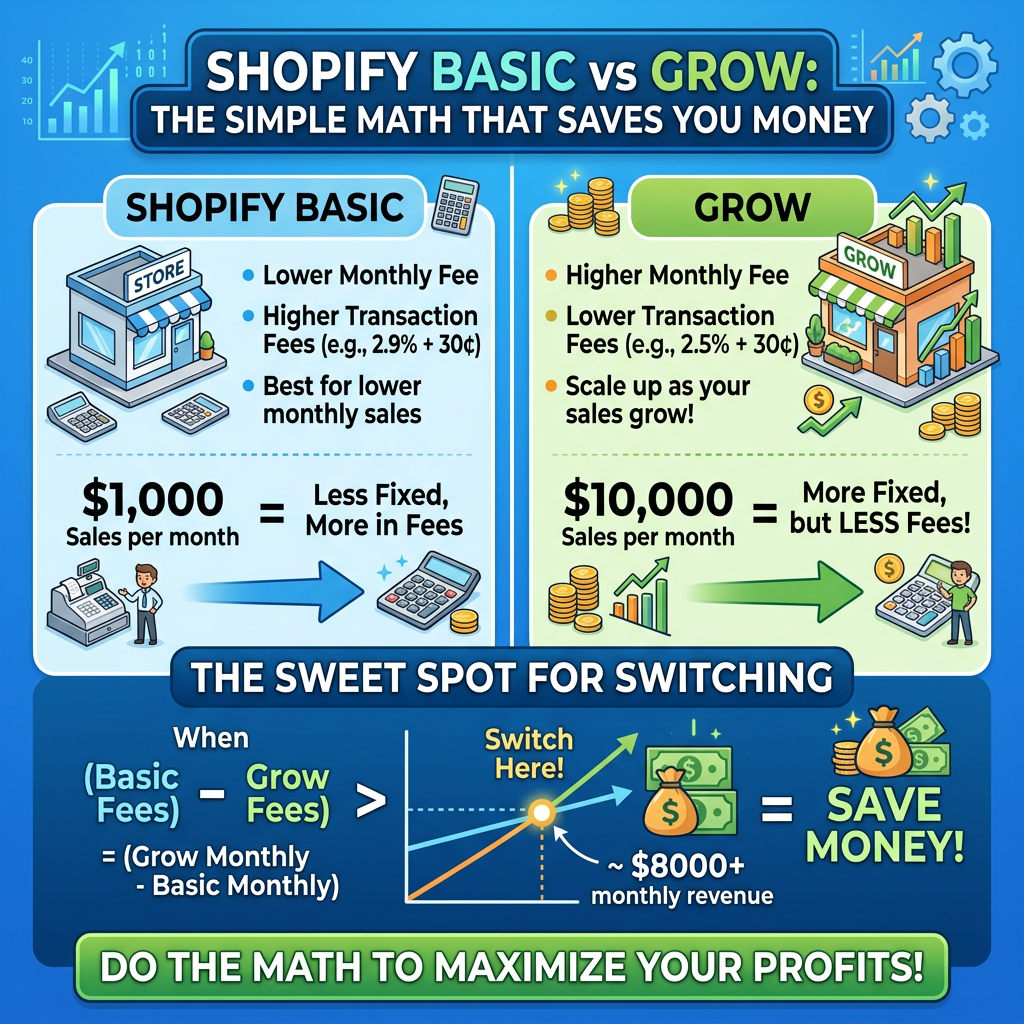
Shopify Basic vs Grow: The Simple Math That Saves You Money
November 3, 2026 | by Abdisalat Mohamed

The Best Website & Funnel Building Tools You Need in 2026
August 22, 2025 | by Abdisalat Mohamed

How To Start A Business With $0 Budget
February 2, 2025 | by Abdisalat Mohamed